

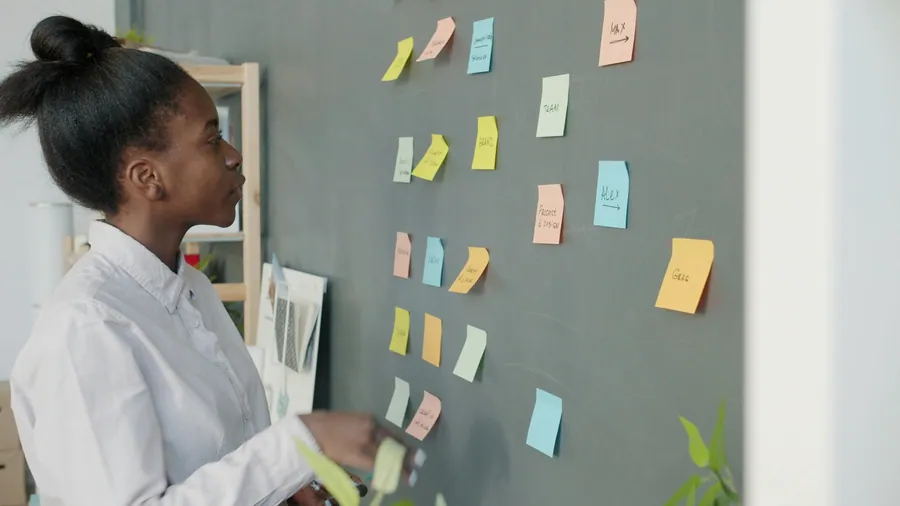

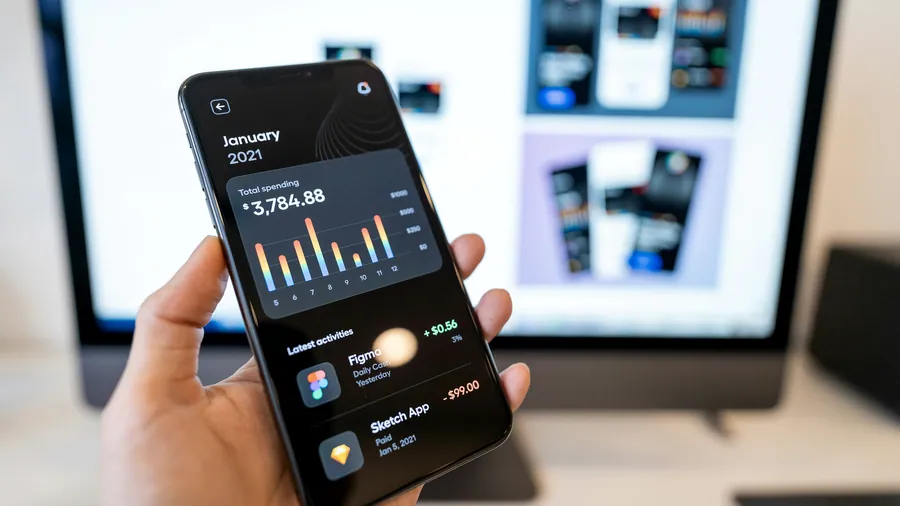








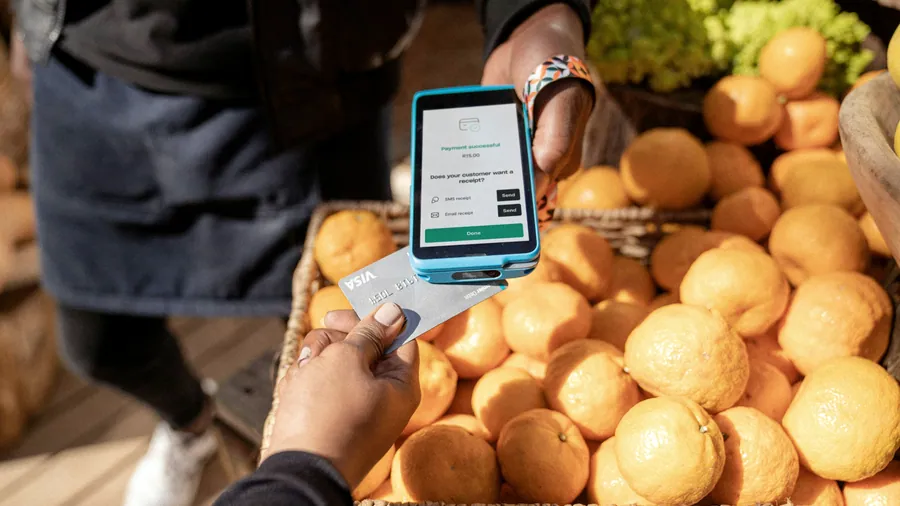
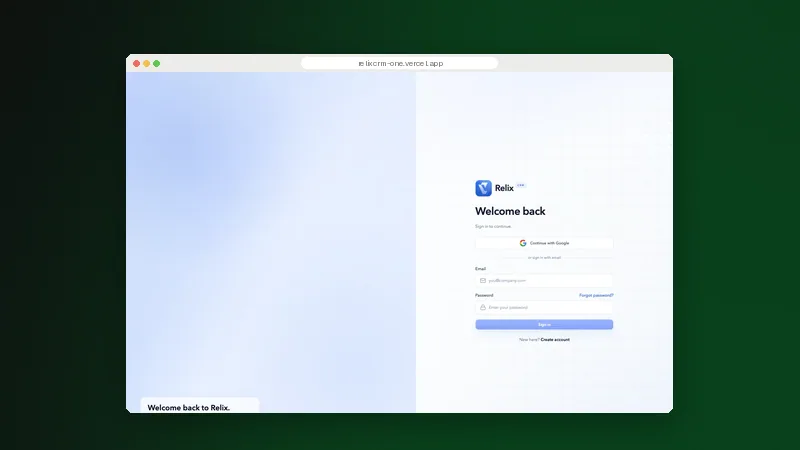
Research with operators. Task flows and prototypes tested before build.
Product design & UX for the people doing the work, not just viewing a demo

What it is
Product design & UX connects research, workflow mapping and interface design. We examine how operators work, prototype the important journeys and test the decisions before development begins.
Sparkr Digitals researches operator tasks, maps journeys and tests prototypes before build. Review Relix CRM at /projects/relix-crm, Victora at /projects/victora and MediAI at /projects/mediai.
Research shapes task flows, prototypes and design systems before build. Our case studies cover MediAI, Relix CRM, Victora, Teamora, Interoly and Klayen. Their published status distinguishes prototypes from web apps; demos do not establish adoption or measured gains.
The problem
The interface looks finished. Operators still keep a separate notebook to get the job done.
Where product design loses the people using it
Polished screens can conceal a workflow that nobody has tested. Research must reach the people entering records and resolving exceptions, not stop with the sponsor. We connect tasks, permissions and information hierarchy before asking engineers to build the interface.
The traps
Trap 0101 / 05
Assumptions replace research
Designed before operators are heard
Stakeholders describe the intended process; operators reveal the workarounds. We interview and observe relevant roles, with appropriate consent and data safeguards. Findings distinguish evidence from assumptions and identify which questions need further validation.
Trap 0202 / 05

Journeys stop at success
Exceptions missing from the flow
A completed form is only one outcome. Records can be incomplete, approvals rejected and connections unavailable. We map those states with process owners so journeys include recovery and escalation, not just the shortest route to a successful submission.
Trap 0303 / 05
Every role gets the same view
Different responsibilities, one crowded screen
An administrator needs different actions from an approver or a field operator. We map roles and task priorities before arranging dashboards. Information hierarchy and permissions are designed together, with sensitive actions made explicit rather than buried in a menu.
Trap 0404 / 05
Access needs ignored
Readable in a demo, difficult in use
Low contrast, unclear focus and small controls make routine work harder. We design for keyboard access, readable content and relevant devices. Accessibility requirements and unresolved issues travel with the handoff; a visual review alone is not an accessibility audit.
Trap 0505 / 05

Screens without behaviour
A prototype that leaves developers guessing
Static layouts do not explain validation, loading or empty states. We document components and interaction rules, then test key journeys with representative operators. Engineering receives the decisions and open questions, not just a gallery of approved screens.
The process
From operator research to a tested product design
We begin with tasks and constraints, then map journeys, prototype and test. Review sessions make assumptions visible before build. Engineers join the handoff with component rules, accessibility notes and the evidence behind important decisions.
Step 01
Research
Interview operators and process owners. Observe tasks where appropriate, recording pain points, constraints and assumptions.
Step 02
Map journeys
Connect roles, handoffs and exception paths. Agree which journeys matter most and how research findings shape their structure.
Step 03
Prototype the flows
Build wireframes and interactive flows with realistic content, including validation, empty states and recovery paths.
Step 04
Test and refine
Ask representative operators to complete tasks. Review comprehension, navigation and accessibility issues before revising the design.
Step 05
Document and hand off
Provide the design system, interaction notes and unresolved questions. Review implementation with engineers against the agreed design.
What you get
Tested journeys and a design system ready to build.
Operator research findings
Task observations, interview findings and assumptions, with participant and data boundaries recorded.
Journeys and information architecture
Role-specific paths through routine work, approvals and exception handling.
Wireframes and interactive prototypes
Core workflows with realistic content, validation and recovery states for review before build.
Usability findings
Observed task difficulties, proposed changes and questions that still need validation.
Documented design system
Reusable components, tokens and behaviour rules for consistent implementation.
Accessibility and handoff notes
Keyboard, contrast and interaction requirements, with assets and implementation guidance for engineering.
Selected work
Selected product and interface work
 Website concept
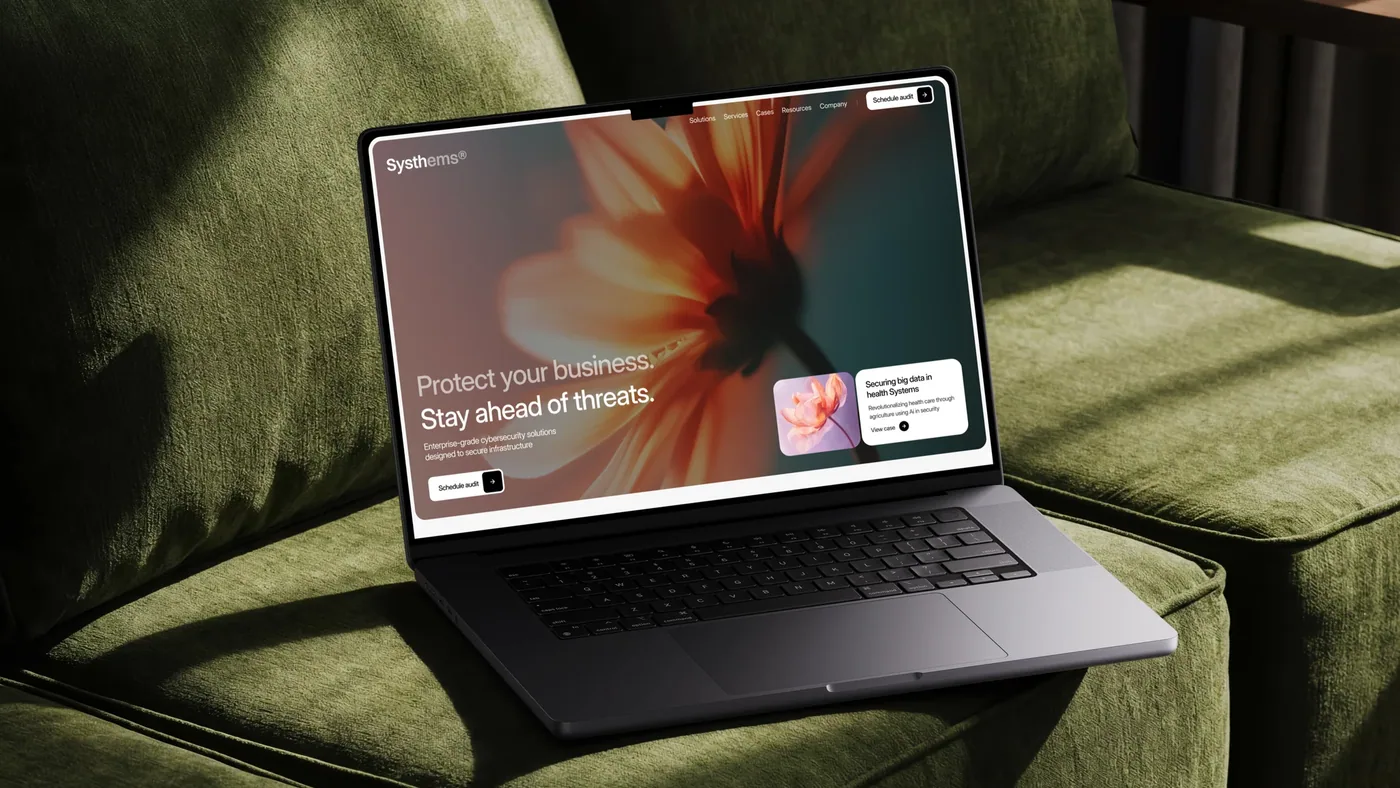
Systhems: cybersecurity brand direction and a documented design system
 Interface & prototype
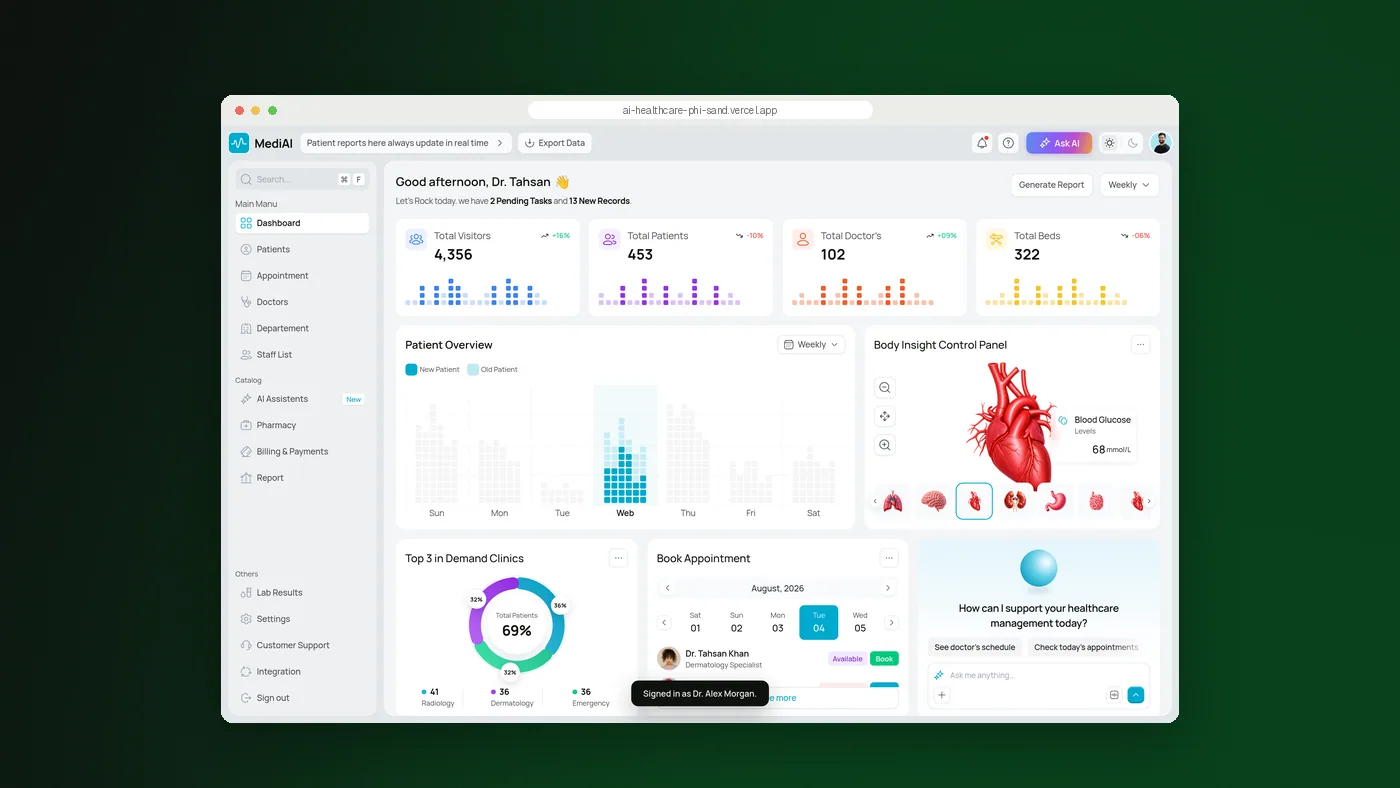
MediAI: organising clinical information in a considered workspace
 Design & web app
Relix CRM: connecting leads, deal stages and the invoicing handoff
 Design & web app
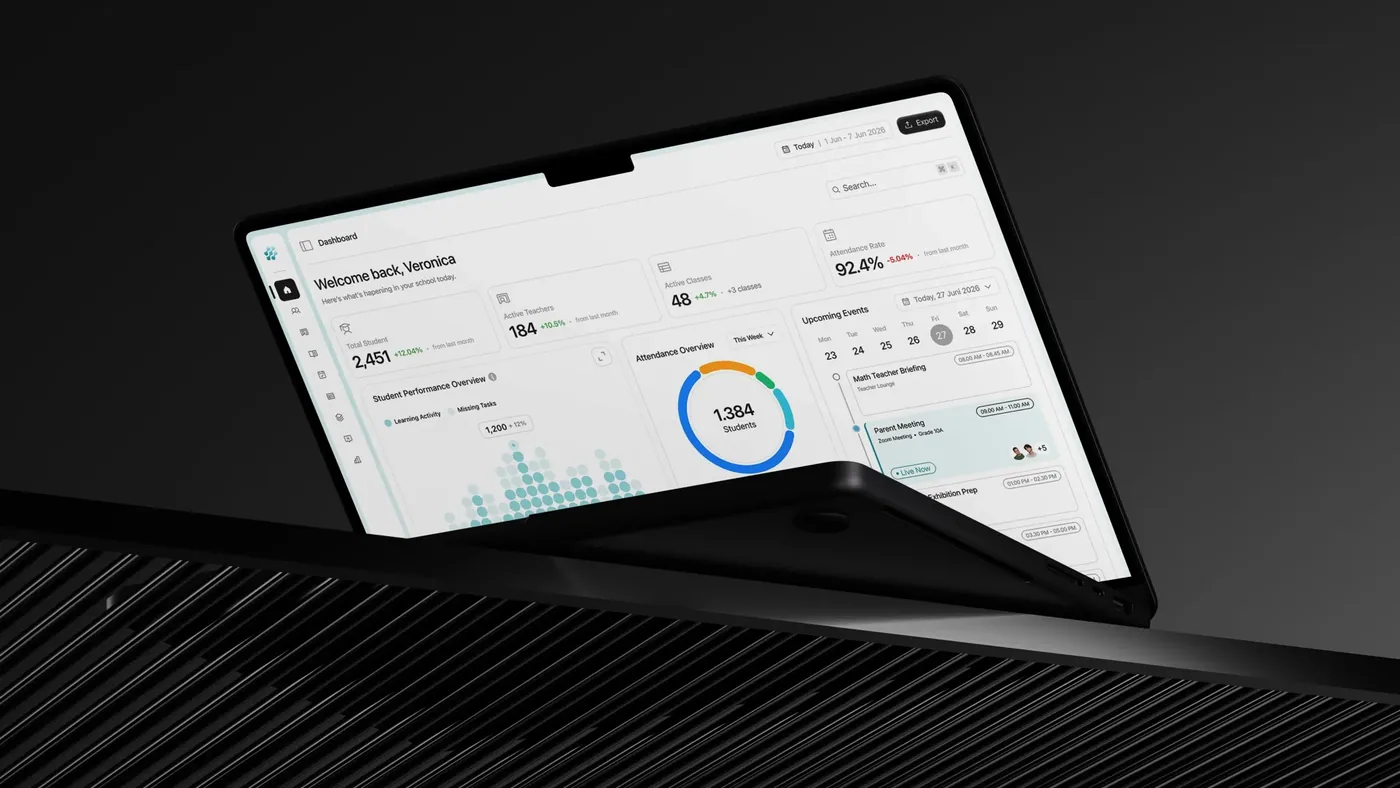
Victora: a product interface for school administration workflows
Who takes part in the research?
Operators, supervisors and approvers help us understand tasks and handoffs. We agree recruitment, consent and access boundaries first. Sponsors set goals; people doing the work supply the operational evidence.
What do you test before development?
Representative operators try key tasks in an interactive prototype. We record confusion, errors and recovery problems, then revise before build. Prototypes do not establish backend performance or security.
Can you improve an existing product?
Yes. We review difficult journeys, feedback and technical constraints, then prioritise changes with your product owner. Existing components can stay where they work; redesign need not mean replacement.
Is accessibility included?
We address contrast, focus, controls and keyboard behaviour during design. The scope defines checks and assistive-technology testing. The built application still needs validation; layouts alone cannot certify accessibility.
What will our developers receive?
Scoped layouts, components, assets and interaction rules, with loading, empty and error states. Research findings and open questions accompany a handoff review with engineering.
Where can we review more product work?
See Teamora at /projects/teamora for collaboration, Interoly at /projects/interoly for mobile inventory and Klayen at /projects/klayen for email campaigns. Teamora opens at sign-in; Interoly offers public onboarding; Klayen figures are demo data.
How do you judge whether a design works?
We observe representative operators completing agreed tasks and review errors, hesitation and recovery. Findings guide revisions, not claims of production gains. Operational results need a baseline after release.

Software development as a service, or a fixed project? How to choose
6 min read
Compare monthly capacity with a defined project scope: ownership, planning, changing priorities and the decisions that belong in the agreement.

Designing internal tools people actually use
6 min read
Lessons from Relix, Victora and Interoly on tasks, handoffs and interfaces. Start with the work operators need to complete, not a screen inventory.

What a regulator-ready VAPT report contains
6 min read
Examine the scope, evidence, remediation guidance and retest records that make a security assessment useful to engineering and oversight teams.

The 72-hour clock: what NDPA and the GAID demand of your systems
6 min read
Consider incident records, escalation paths and data visibility when preparing systems to support breach assessment and notification decisions.
Sophos or Fortinet? Choosing the security stack for a Nigerian enterprise
6 min read
Compare security-stack requirements through deployment constraints, operational ownership and the evidence your team needs for ongoing review.
Other services